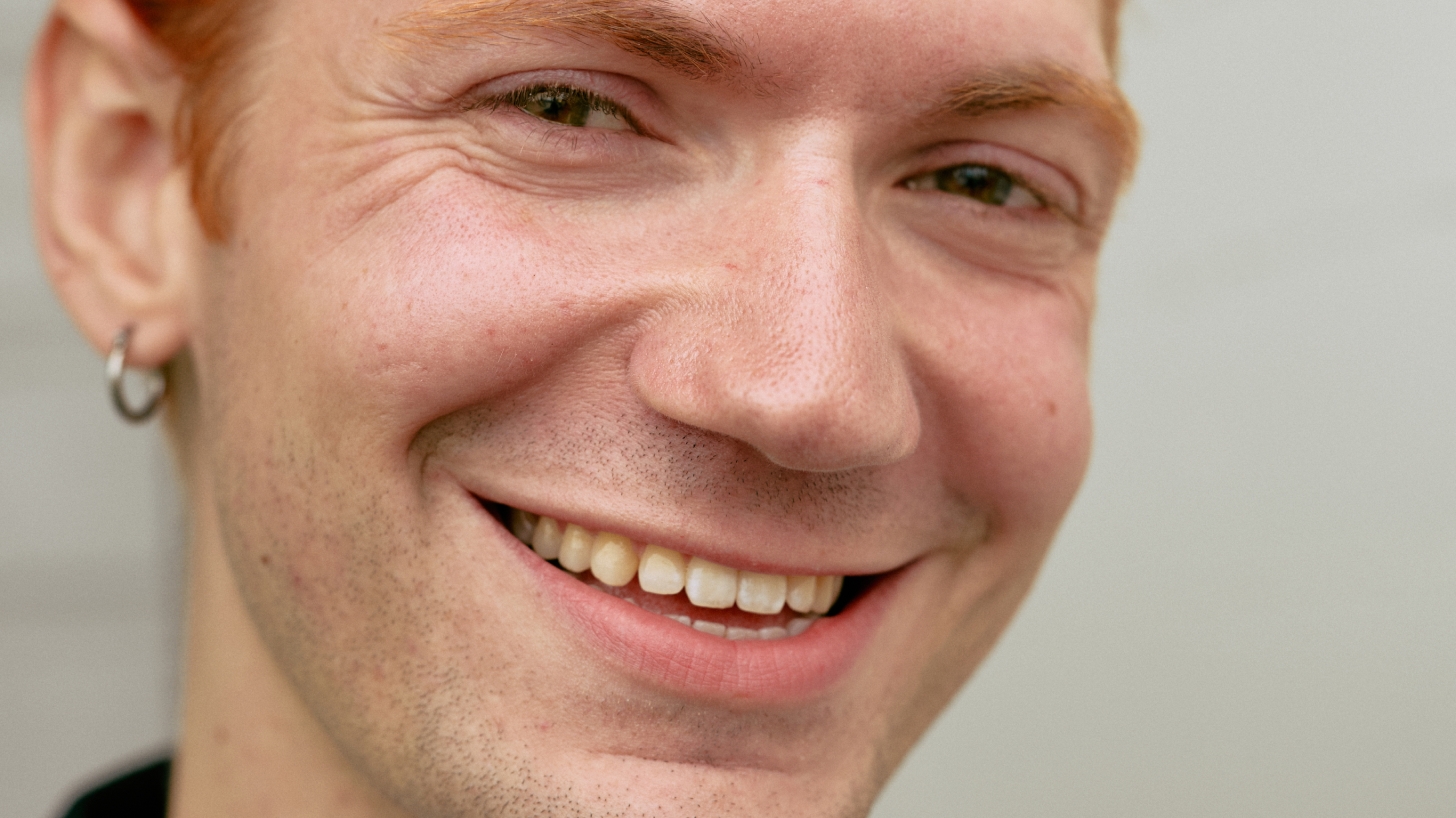
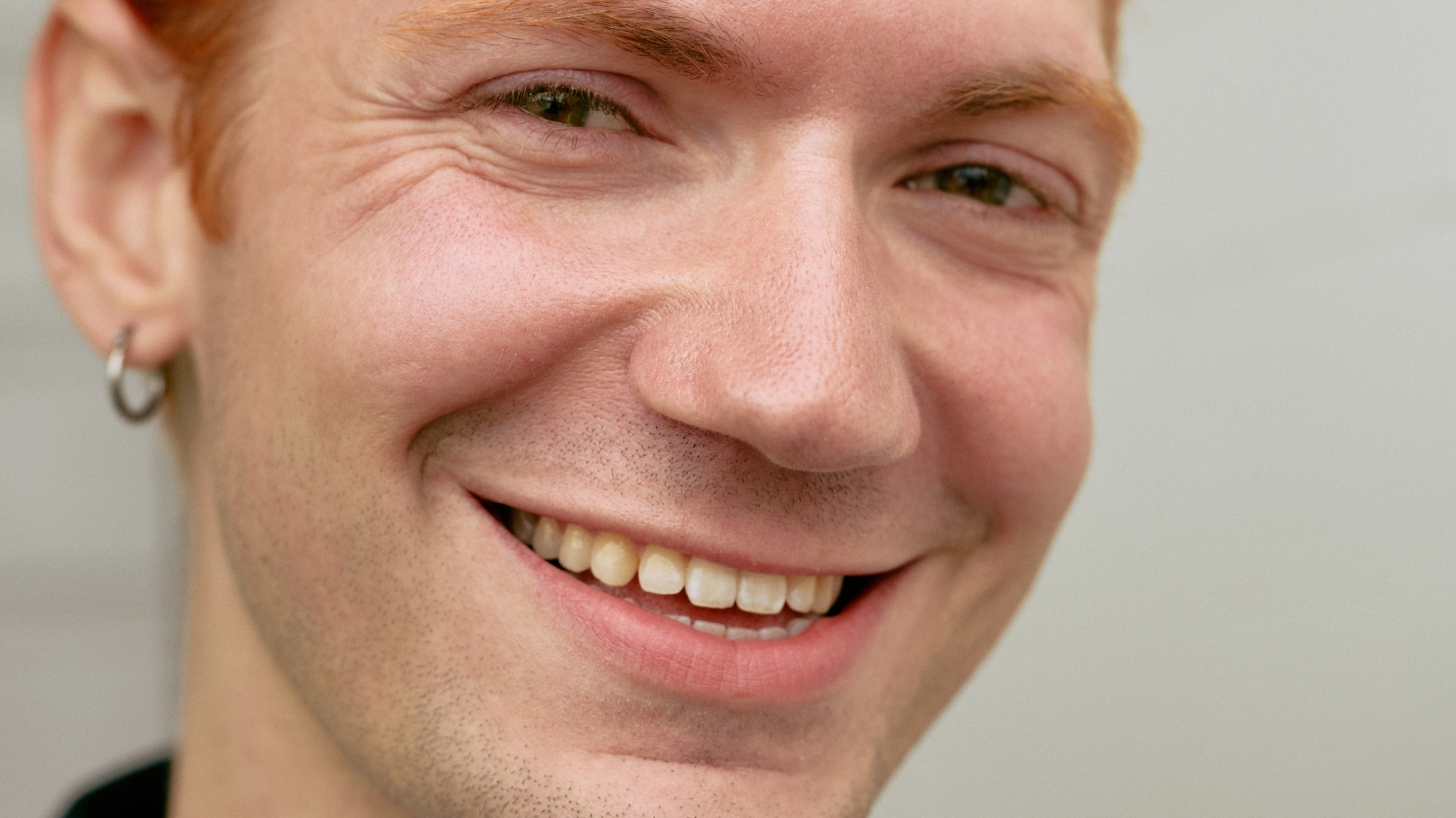
Simply better portraits

Create beautiful, high-quality portraits with the ultimate photo editing tools designed to help you perfect skin tones, refine details, and retouch effortlessly.

Before
After
Remove blemishes
Reduce dark circles
Even skin
Contour
Retouch teeth
Retouch eyes

Retouch your way

Pull the sliders and decide how much you want to retouch your image.

  • Remove blemishesGently smooth out imperfections
  • Reduce dark circlesBrighten under-eyes for a refreshed look
  • Even skinBalance tone and texture while keeping skin detail intact
  • ContourAdd definition to shape and enhance facial features
  • Retouch teethAutomatically whiten teeth by brightening and desaturating for an even, natural tone
  • Retouch eyesEnhance the Iris and Sclera separately, and refine each eye individually with offsets

End-to-end. That's it.

Follow Copenhagen-based photographer Simon Baungård as he uses our new retouching tools to complete a full portrait shoot in one app.
The tools you need for any portrait

Here's our mainstay features that'll help you improve every portrait.

Start editing

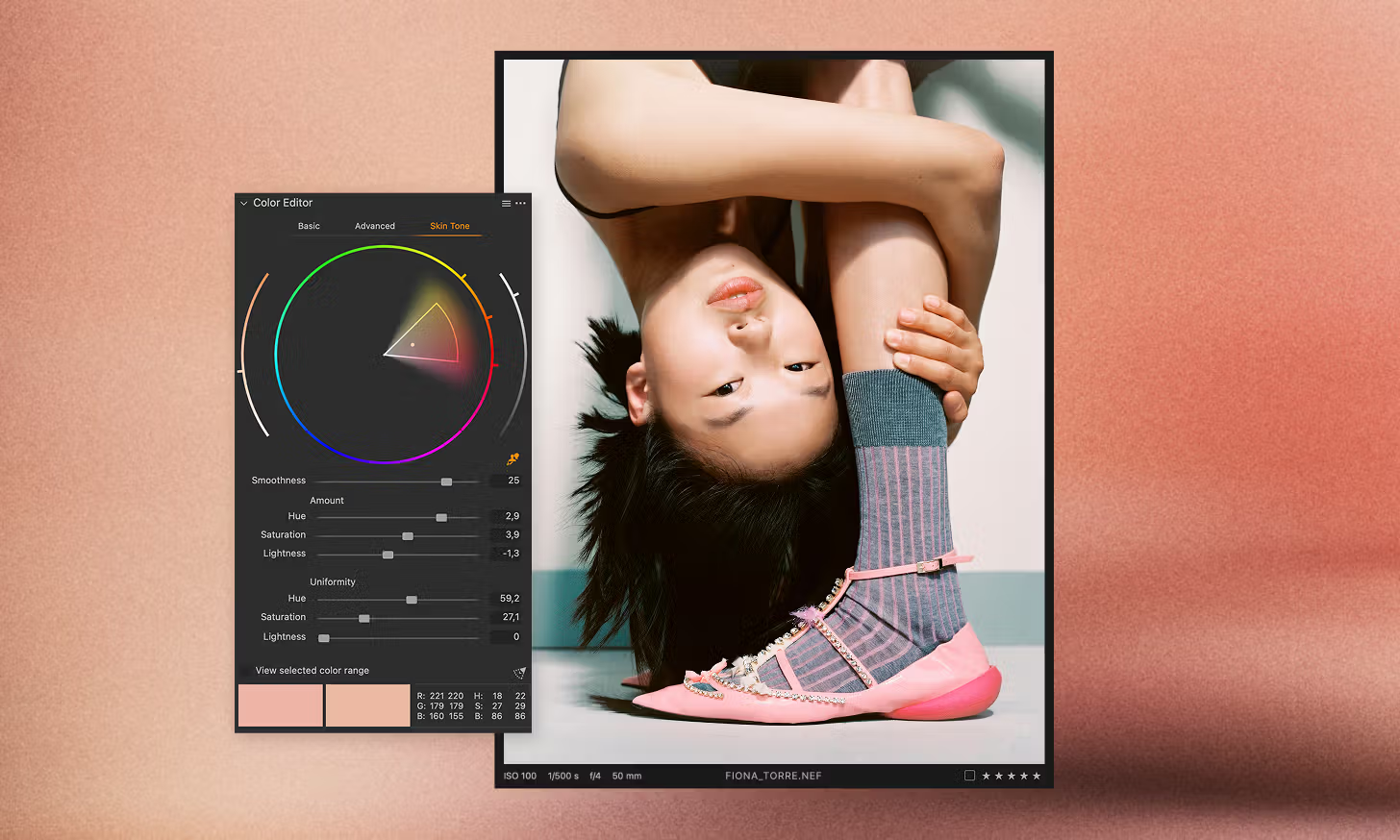
FLAWLESS SKIN TONES

Ensure natural and consistent skin tones across all your portraits—no manual tweaking required.

Get your style right

Match the look or style of any reference image, getting your color grade and edit going in seconds.
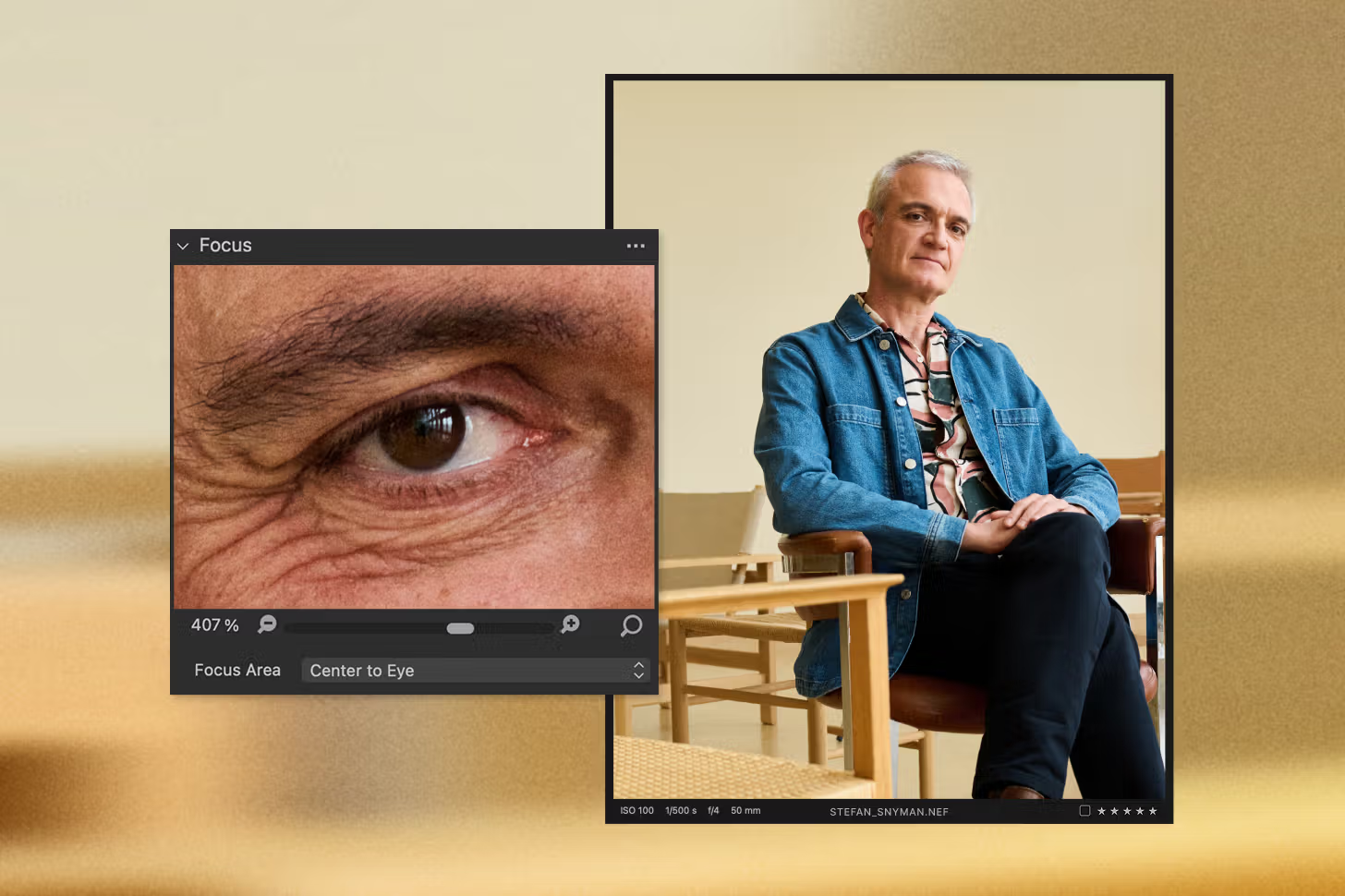
SHOOT WITH PINPOINT FOCUS

Quickly assess and refine focus with Snap to Eye, ensuring every shot is razor-sharp.

PERFECT YOUR CROP

Let AI Crop handle framing for you, delivering precise and consistent compositions every time.
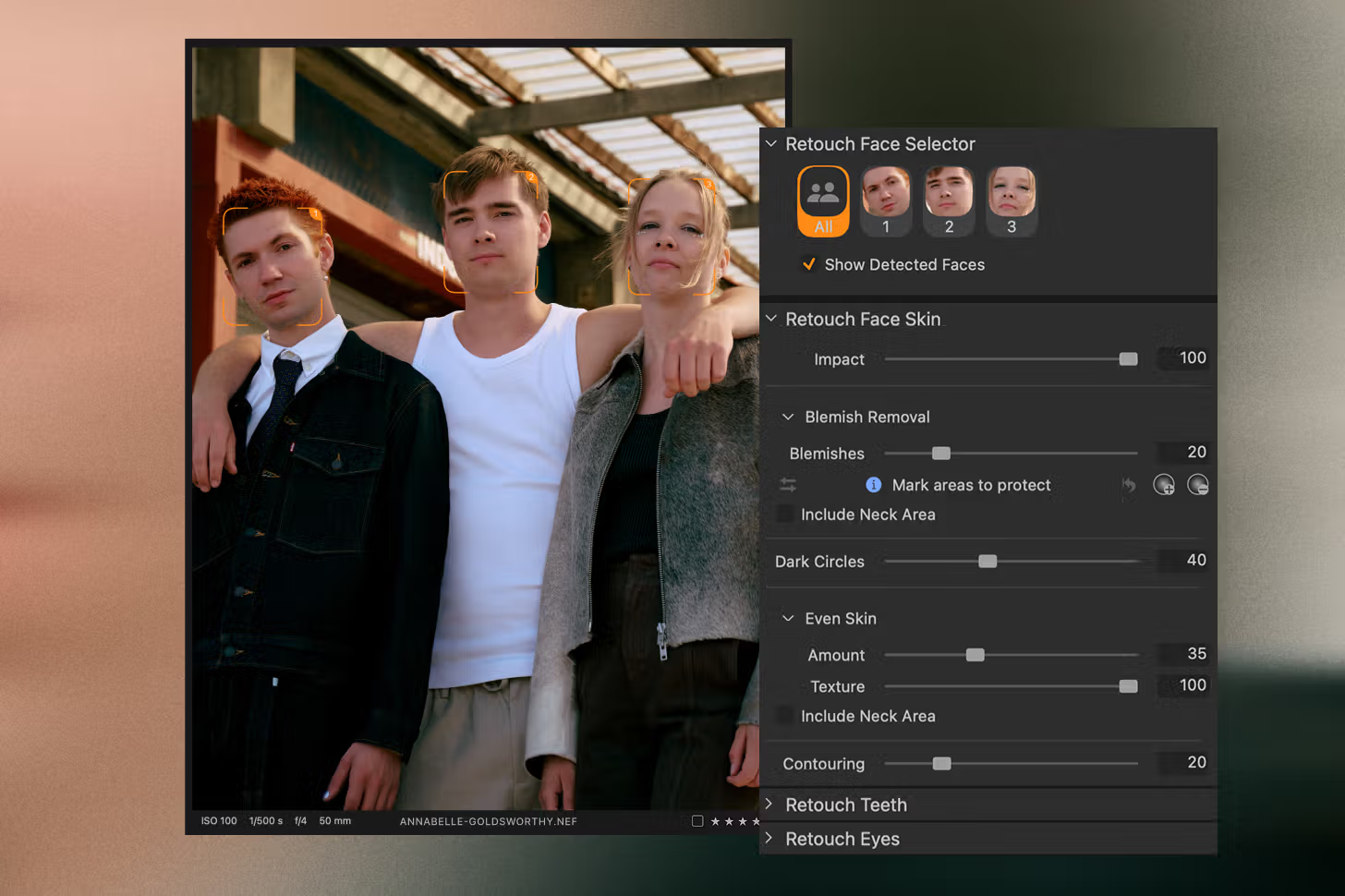
SMART FACE SELECTION

Automatically detect faces and choose to edit them individually or all at once—your workflow, your call.
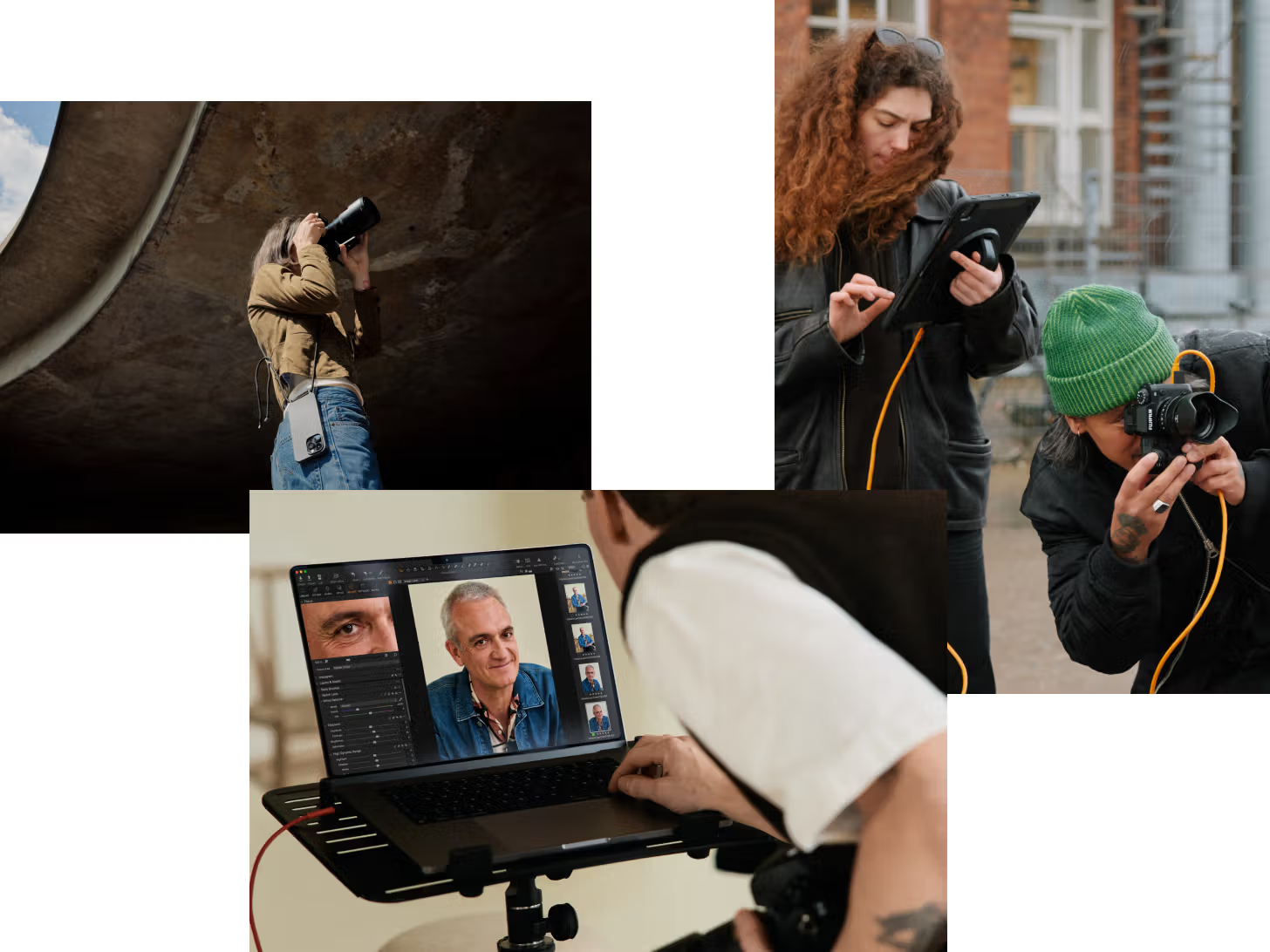
Tethering

Shoot fast and free

Whether you're on set or on the go, tether your way—mobile or desktop—and apply edits automatically as you shoot. Stay in the flow and see results in real-time.
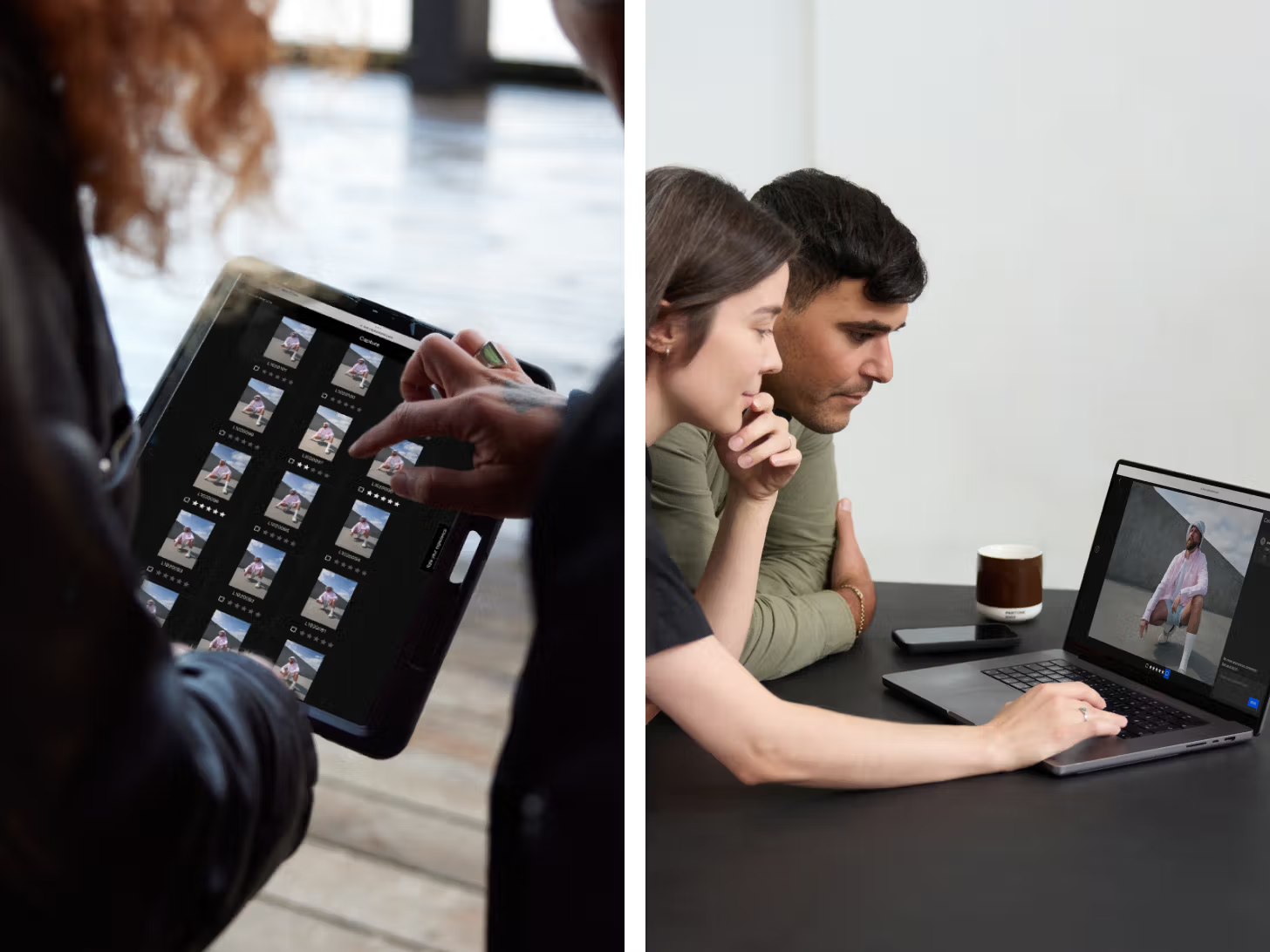
Live collaboration

Get feedback while shooting

Share and review your shots quickly with teams and clients wherever they may be. Collect feedback in the app through comments, star ratings, and color tags – allowing you to stay in the moment, adjust, and keep going.

SUPER FAST CULLING

Star, tag, group, and select your best shots—fast and delay-free.

STAY ORGANIZED

Use Sessions for quick, focused projects or Catalogs for long-term workflows. Easily find, manage, and access your files—no matter how you work.

ONE EXPORT. EVERY FORMAT.

Export photos in multiple formats for web, print, and social media – all at once.
GET STARTED WITH CAPTURE ONE

Experience Capture One free on desktop and mobile. Take your creative workflow anywhere.

Download free trial

DON'T JUST TAKE IT FROM US

  • It’s a great tool when culling through a large amount of photos. Previews load quickly and Smart Folders make the whole process a lot more pain free.

    Raymond Alva

    Portrait and documentary photographer

  • I always require a high level of color accuracy in my workflow and Capture One’s color editing and brush function allow me to polish every detail in the photo.

    Manyi Chan

    Photographer and visual artist

  • I have never experienced any other good way of tethering. In the work I do, which is mostly in studio, tethering is essential, which makes this program a must have.

    Ville Mäkäräinen

    Photo assistant and digitech

All in One

Subscription

The recommended solution for most working photographers